Keep your Dropbox document store
Connect the Dropbox files your firm already uses to the related AccountKit records.
AccountKit + Dropbox
Connect your Dropbox client files to AccountKit’s registers and document workflow.

 Dropbox
What connects
Connect the Dropbox files your firm already uses to the related AccountKit records.
Use the Dropbox connection when bringing client documents into your AccountKit document-management workflow.
In practice
Start with a client whose documents your team knows well. Connect the document location, check the team’s access and confirm how those files support the work in AccountKit.
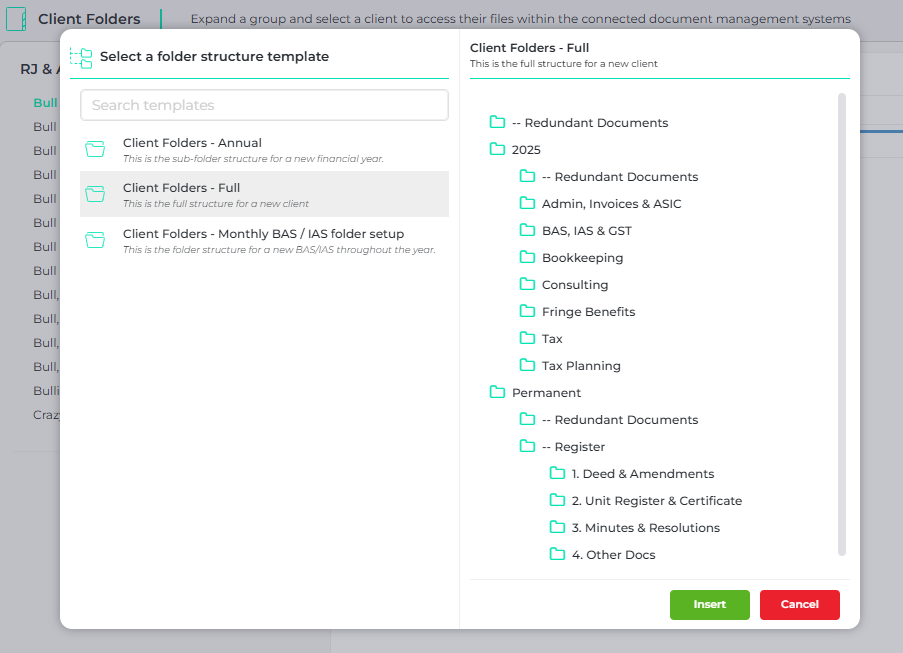
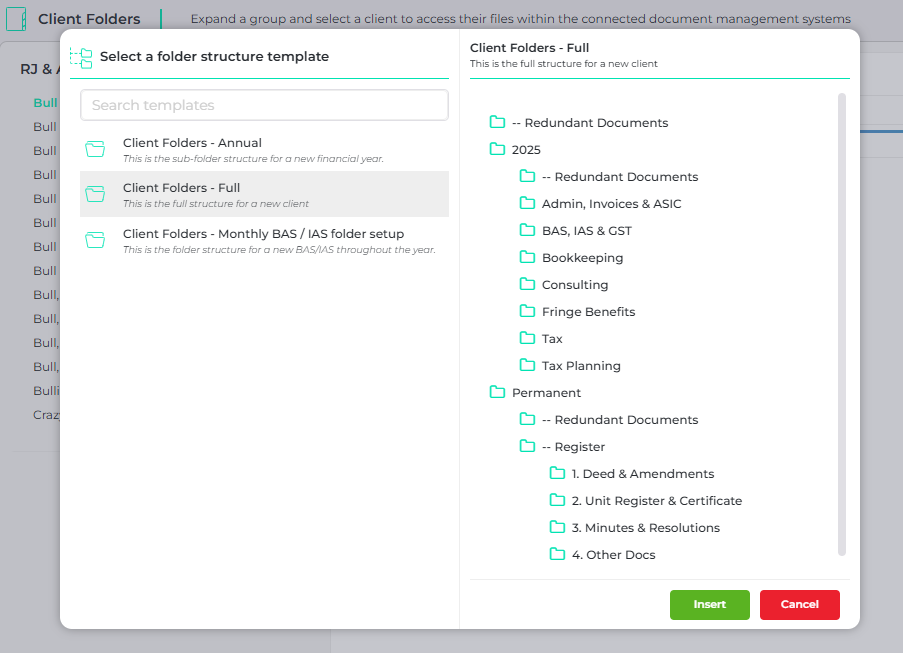
Client folder templates in AccountKit. Available features depend on your provider and plan.
Connection setup
Start with the accounts and permissions, then test the work your team needs to do.
Have the person who manages your Dropbox account confirm the access and permissions available for the connection.
Check your plan and connection requirements against the work you want Dropbox to support.
Connect the accounts with your administrator, test the intended workflow and confirm where the team should maintain the source record.
No. Dropbox remains your connected cloud document provider. AccountKit brings the documents into the context of the client and the work.
Book an AccountKit demo and mention Dropbox. Bring a real example of the work you want to connect so the team can confirm the setup, supported actions and plan requirements for your firm.
The rest of your setup
Connect Xero Practice Manager with AccountKit for client and contact information, while keeping AccountKit workflow jobs independent.
Explore integrationCapture Outlook correspondence in AccountKit and send email using your own account, keeping conversations connected to the client and client group.
Explore integrationLaunch Annature signing requests from AccountKit’s document workflow, track progress and keep the signed document with the client’s files.
Explore integrationYour practice + Dropbox
Bring your Dropbox setup and a client workflow to an AccountKit demo. We’ll walk through the connection and the next steps for your team.